
My Sun Life Policy: Going Old School with a Hard Copy in the Digital Age
Going digital is great, but some things are better on paper. If you're a new Sun Life client who prefers a tangible policy folder over a digital-only default, this guide is for you. Check out our flowchart to see how you can secure your hard copy for just 300 pesos.
CLIENT NOTESINSURANCE PLANNING
David Isaiah Angway
1/23/20262 min read


Hello, fellow new Sun Life account holders!
I'm thrilled to have recently opened a new plan with Sun Life, securing a brighter future for myself.
As I was going through the initial steps, I learned about a new default policy kicking in for clients starting November 2025: all new policies will automatically be issued as ePolicies (electronic policies).
While I appreciate the move towards digital convenience and environmental friendliness,
I'm a bit old-fashioned when it comes to important documents like my insurance policy.
Call me sentimental, but there’s something reassuring about having a physical folder, a tangible copy I can hold in my hands and file away securely.
For me, it provides an extra layer of peace of mind.
So, what's a new client to do if they want a physical copy despite the digital default?
I did a little digging and found a straightforward solution!
You absolutely can get a hard copy of your policy, but there's a simple process to follow.
Here’s a quick overview of how to request your hard copy:
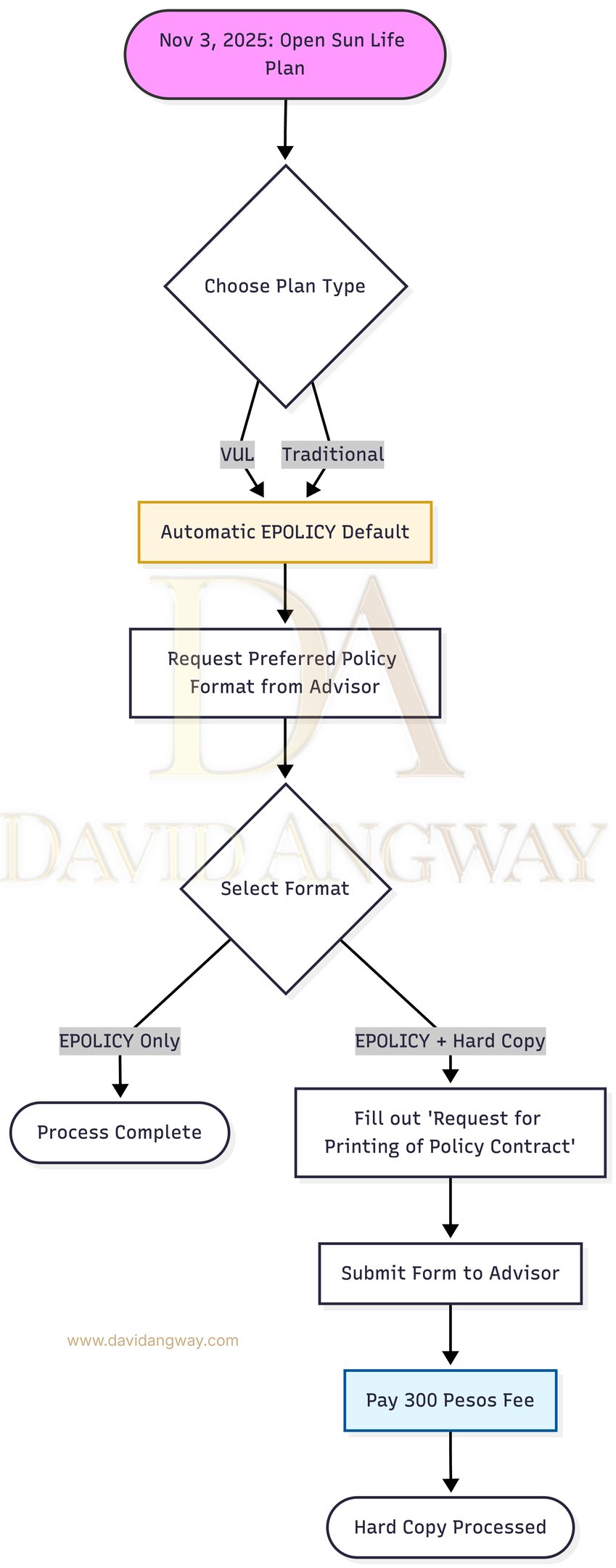
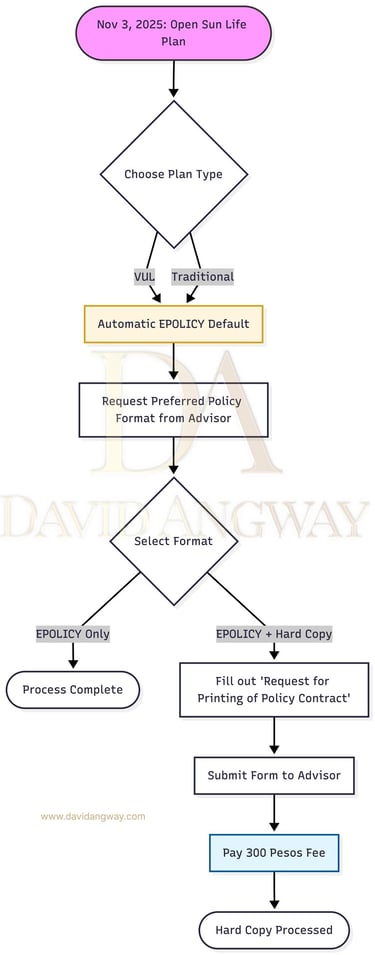
How to Secure Your Hard Copy: A Step-by-Step Guide
Starting November 3, 2025, all new Sun Life plans (VUL or Traditional) automatically default to an ePolicy. If you prefer a physical folder for your records, follow this simplified process:
1. Notify Your Advisor
Inform your financial advisor that you prefer the ePolicy + Hard Copy option instead of the digital-only default.
2. Prepare the Requirements
To process the request, you will need to prepare two things:
The Form: Download and fill out the "Request for Printing of Policy Contract" with your full name, policy number, and signature.
The ID: Prepare a clear copy of one valid government-issued ID.
3. Settle the Printing Fee
Pay the PHP 300.00 printing fee directly to an official Sun Life bank account using bill payment. Be sure to save a screenshot or a photo of your proof of payment.
4. Coordinate with Your Advisor (The Final Step)
Send the completed form, your ID, and the proof of payment to your advisor. Your advisor will then:
Email the New Business Department regarding your request.
Attach your documents and payment confirmation to finalize the application.
5. Processing Time
Once submitted, your printed policy is typically processed within ten (10) business days.
It’s a quick process that ensures you have your digital convenience and your physical peace of mind!
It's a small extra step and a minor fee, but for those of us who prefer the tangible over the purely digital for such an important document, it's definitely worth it!
Ready to get your hard copy?
Download the pdf form below.
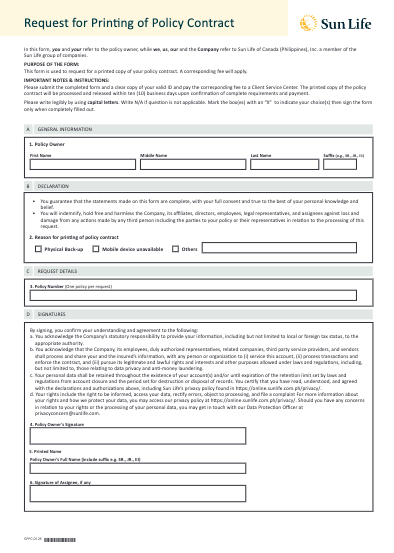
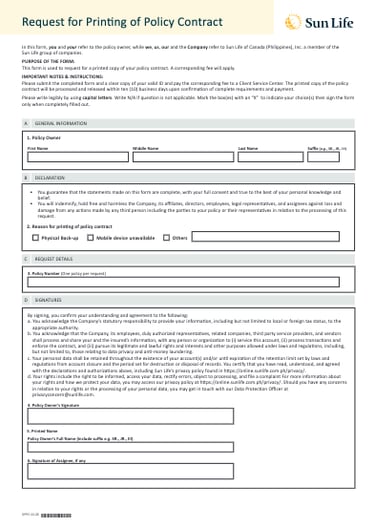
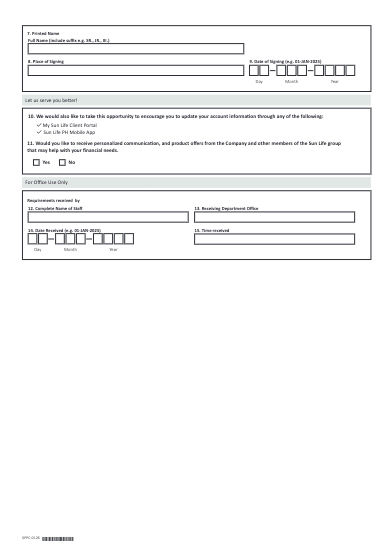
Don't miss out on having a physical copy of your Sun Life policy!
Download the "Request for Printing of Policy Contract" form today and submit it to your Sun Life advisor to get your hard copy.
Source: Sun Life Client Care team
© 2026 David Angway